How to Develop a Web App Using Cursor and Natural Language
by Hannah Lee••5 min read
In the past, only professional developers could make software. You had to learn a lot of complicated tools, like HTML, CSS, JavaScript, and frameworks. This made things very hard for people who weren't tech-savvy. That barrier is going away very quickly these days.
Anyone can learn how to make a web app using natural language with AI-powered code editors like Cursor. You don't have to know how to write code anymore. You don't need years of experience. You just need to be clear about what you want.
This guide will show you how to make a real Pomodoro Timer web app from scratch using Cursor. No coding by hand is needed. Communicating with AI in plain English is how each step is done. This lesson shows one important point:
You can now use natural language to make software.
This guide is for people who want to make a web app without learning to code, like beginners, product managers, designers, students, and others.
You don't need to know code; you just need to ask better questions.
Writing code line by line is no longer the main focus of modern software development. Instead, it's about making problems and goals clear.
For traditional development, you needed:
- Learning how to code
- Learning the rules of syntax
- Fixing bugs by hand
The cursor changes this workflow completely. You do the work of a product manager instead of a programmer. You tell the AI what you want to make, and it figures out how to do it.
That's why learning how to make a web app today is more about talking to people than being good with computers.
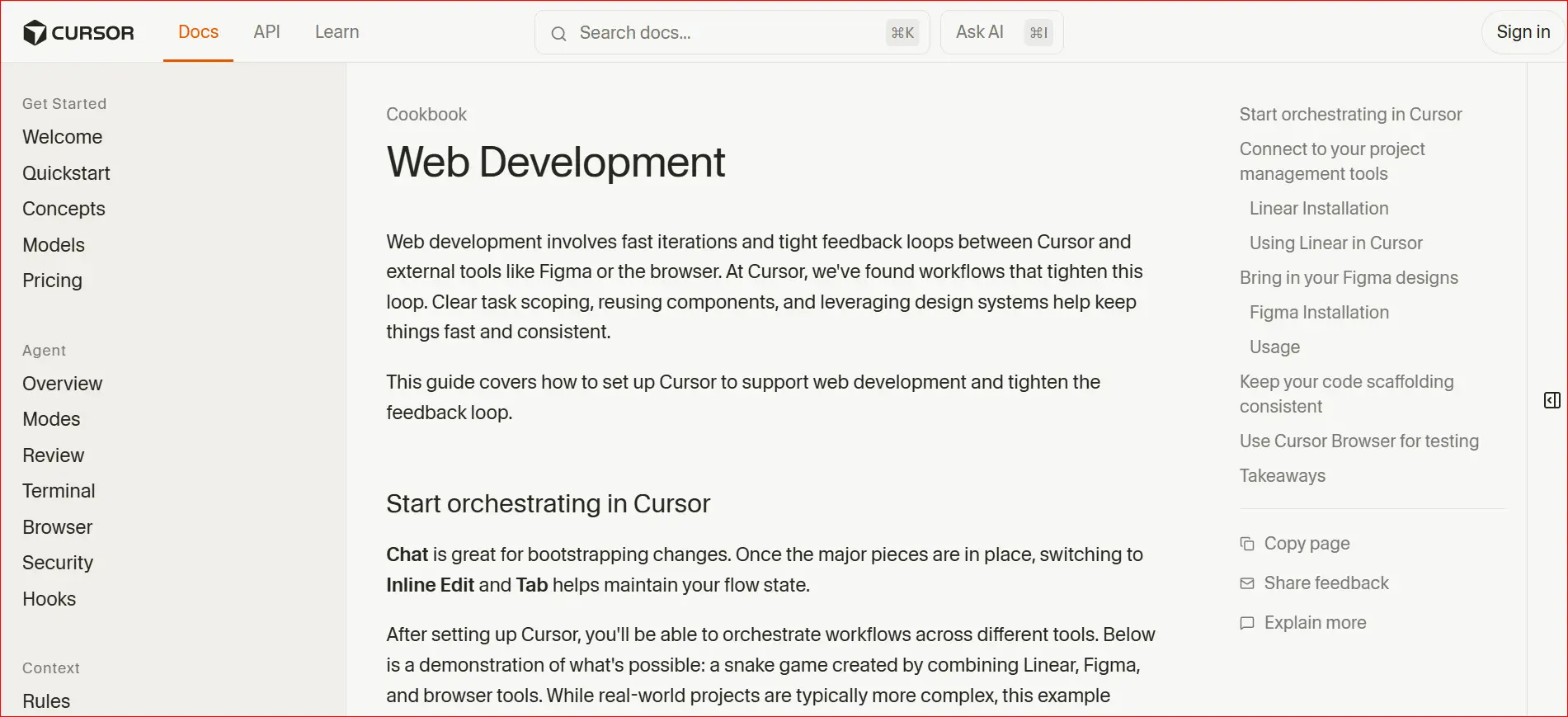
How to Use Cursor's Composer Mode
Cursor's Composer Mode is the main thing that makes this workflow possible.
You can do the following in Composer Mode:
- Use everyday language to describe features
- Change more than one file at once
- Change code that is already in the project
- Automatically fix mistakes
Composer knows the whole project context, so it doesn't have to work on files one at a time. This is why Cursor is great for people who don't know how to code.
You could, for instance, type a prompt like this:
"Make a simple web page with a timer and a button to start it."
Cursor will make:
- The structure of HTML
- CSS design
- Logic in JavaScript
All of this happens without you having to write any code by hand.
Example Project: Making a Simple Pomodoro Timer
Let's make a useful project to show how this works.
The goal is easy:
A simple web app for a Pomodoro timer.
The Pomodoro method has:
- A 25-minute work period
- A timer that counts down
- Easy-to-use buttons
This project is a great way to learn how to make a web app using plain language.
Step 1: Use simple language to explain the needs
Open Cursor and turn on Composer Mode.
Then type in things like:
"Make a web page with a timer that counts down from 25 minutes.
There should be a button to start, a button to pause, and a button to reset.
Show how much time is left in the middle of the page.
That's all you have to do.
You didn't write any code. You talked about behavior. This step is the most important part of the process. Better results come from clear instructions. Don't think like a developer; think like a user.
Step 2: Let Cursor make the code files
After you send in the instructions, Cursor will automatically:
- Make a structure file called index.html
- Make a style.css file for the layout and design.
- Make a file called script.js to hold the timer logic.
The code will show up right away. You don't have to know what the code means. The point is to use it, not to read it.
This step shows that you can turn natural language into working software.
Cursor takes care of:
- Logic for the timer
- Interacting with buttons
- Formatting time
- Links to files
Step 3: Run the app and see what it looks like right away.
It's time to look at the app now.
Cursor works with Live Server, which lets you run your web app with just one click.
Steps:
- Click on index.html with the right mouse button.
- Choose "Open with Live Server."
Your browser will open on its own. You will see:
- A timer that counts down and works
- Buttons that work
- A full Pomodoro web app
You have now made a web app without having to write any code.
What to Do When Mistakes Happen
Even when using AI, mistakes happen. The difference is how easy it is to fix them.
Debugging with traditional coding requires some technical know-how. Debugging becomes more like a conversation with Cursor.
Example: Using Natural Language to Fix a Mistake
If the timer stops working or you get an error message in the browser console, just copy the message and paste it into Composer.
Then, type something like this:
"This error comes up when I click the start button." Please fix it.
The cursor will:
- Get the mistake
- Find the right file
- Fix the logic
- Automatically update the code
You don't have to look through forums or read documentation. This makes it a lot less stressful for beginners to learn how to make websites.
Using Natural Language to Make the Design Better
You can make the app look better once it works.
For instance, type:
"Make the interface look like iOS." "Use buttons with rounded edges, soft shadows, clean type, and a light background."
Cursor will automatically add the following to the CSS:
- Corners that are rounded
- Fonts that are smooth
- Even spacing
- Simple design
You didn't change CSS by hand. You told the AI what style to use, and it did.
This shows that you can also use natural language to make design choices.
Why Cursor Is Great for People Who Don't Code
Cursor gets rid of a lot of the old problems that make it hard to make software:
- No need to learn how to write code
- No complicated setup
- No fear of breaking the code
- No need for developers
You can do the following with Cursor:
- Make prototypes of ideas quickly
- Check the ideas for products
- Make tools for your own use
- Learn how software works naturally
Cursor is one of the best tools out there for people who want to make a web app without coding.
Examples of Use in the Real World
This workflow is helpful for a lot of different jobs, such as:
- Product managers making demos
- Designers making prototypes that people can use
- Students learning how to think logically
- Business owners trying out ideas
- Making simple tools for teachers
One example is the Pomodoro timer. You can use the same method to make:
- Apps for making lists
- Pages that people land on
- Dashboards
- Forms Calculators
In conclusion
There is a new stage in the development of software. You don't have to write code to make things that work anymore. Cursor and other tools show that natural language is becoming a new way to program.
You learned how to make a web app in this tutorial by:
- Using plain English to explain requirements
- Letting AI write the code for the project
- Running the app and seeing it right away
- Talking to fix mistakes
- Using natural language to style the interface
This method gives power to people who weren't able to work on software development before. Anyone with an idea can make it into a working product these days.
Author

Hannah Lee
Education & Research Tools Writer
Hannah talks about free AI tools for students and researchers, like PDF summarizers, tools for taking notes in class, and academic search helpers. Her work is about making sure that tools are safe for real academic use, that citations are correct, and that information is reliable.
Related Posts
Build a Landing Page in 30 Seconds Free Church Website Builder Guide
How to Make a Free Church Website Making a website used to take a lot of time, money, and work. This often meant that churches and small community groups had to hire designers or developers, which they couldn't always do because they didn't h
Chatgpt vs deepseek: Best Free Model for Coding
Every day, developers use AI. It assists programmers in coding, debugging issues to resolve a problem, understanding how complex logic works easily and algorithm for faster decision making. Many developer users ChatGPT for their work. They know it ca
Cursor vs Windsurf vs GitHub Copilot: A Deep Comparison of Agentic IDEs
Every day, AI code editors get better. People mostly used GitHub Copilot and other early tools to write short pieces of code or finish lines of code. These features sped up simple tasks, but developers still had to figure out how the project was set