How to Summarize Long YouTube Videos for Free
by Daniel Carter••6 min read
People who want to learn on their own, like students and researchers, can find a lot of useful information on YouTube. YouTube has a lot of videos that can help you learn, like university lectures, how-to videos, and videos that can help you study for tests.
One big problem is that it takes a long time to learn from watching videos.
You don't always have to sit through a one-hour lecture to learn something useful. This is where AI-based YouTube video summarizers come in.
Browser-based AI tools like Harpa AI and NoteGPT can help you quickly turn long videos into short, organized notes. These tools will help you learn faster and stay on track by letting you make a clear summary of a one-hour video.
This guide will show you how to use AI tools to make learning faster and easier. It will also show you how to get free summaries of YouTube videos.
Things that often go wrong when you learn from videos
It seems like video content would be simple to use, but it can make learning more difficult.
First, it takes a long time to watch videos. You can't quickly look through or jump between sections like you can with articles. You have to either watch the whole video or go back and forth on the timeline.
Second, many educational videos say things that don't need to be said. Teachers may tell long stories or repeat the same thing many times. People who are watching live may find this helpful, but people who want to get the main points may find it harder.
Third, it's hard to write down what you see when you watch videos. When you have to stop, take notes, and switch between tools, it's harder to learn and less effective.
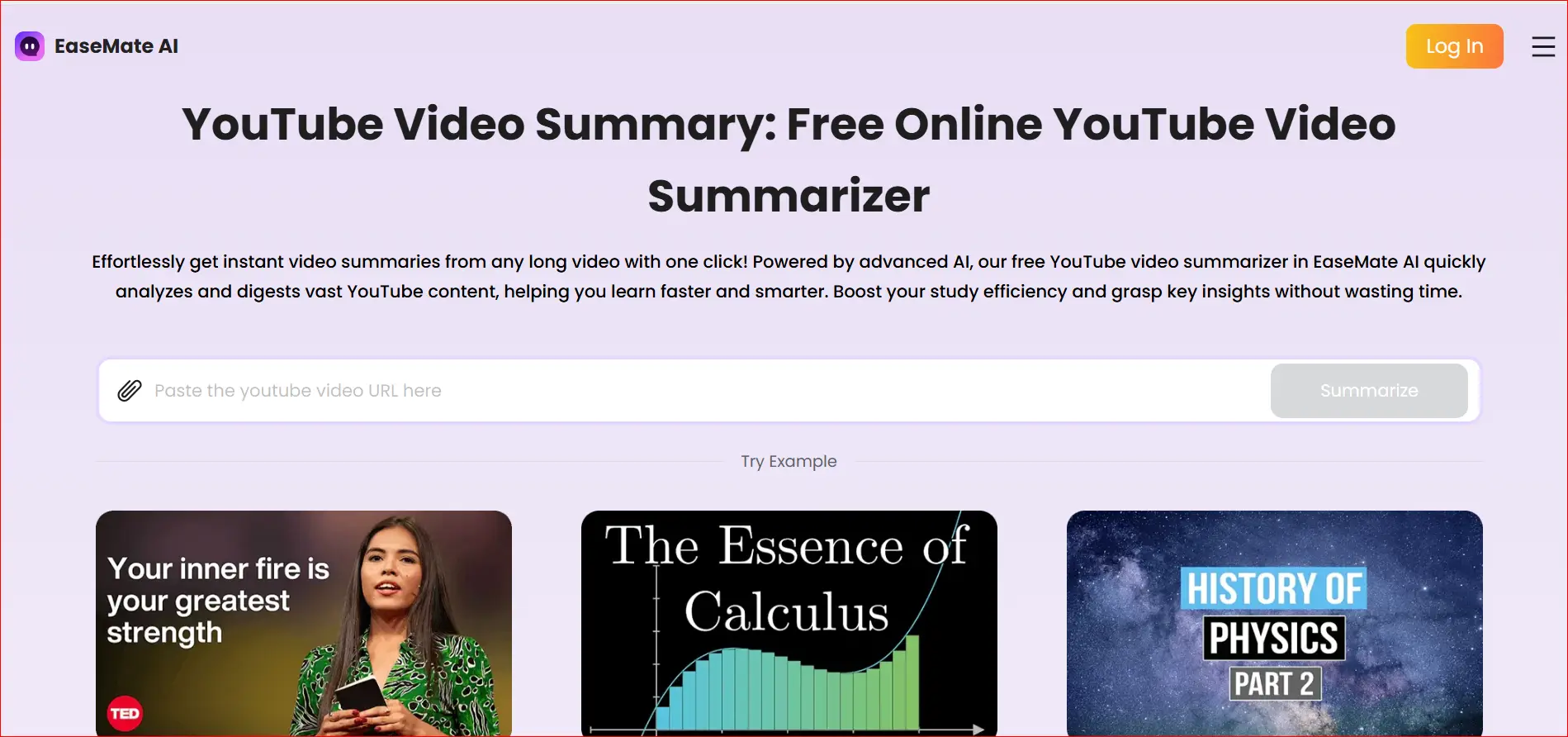
A lot of students look for YouTube video summarizer tools that can automatically pull out the main ideas because of these problems.
Good add-ons for your browser
The easiest way to fix things right now is to use browser extensions that use AI. There are many options, but Harpa AI and NoteGPT are the best because they are free, fast, and simple to use.
To work with YouTube videos, these plugins read the transcript of the video. After that, they use AI to make short, simple summaries of what was said.
Why You Should Use Harpa AI
People like Harpa AI because it's simple to use.
One big plus is that you can stay on the YouTube page. It looks like a floating window, so you can talk to Harpa AI while the video is still open.
You can ask things like this:
- Could you please give me a brief summary of this video?
- Write your notes in bullet points.
- Put the main points in plain language.
You can also get more information about the video from Harpa AI. This makes learning more like working with a teacher than just sitting in a class.
How to Write a Free Summary of a YouTube Video in Steps
Step 1: Turn on the add-on and start the video.
First, get Harpa AI or NoteGPT from the extension store for your browser.
Open the YouTube video you want to summarize after you install it. When you turn on the plugin, a small window or panel will open.
You don't need to know anything about computers to do this, and it only takes a few seconds.
Step 2: Make sure the subtitles are turned on.
AI needs video transcripts to make summaries.
Most YouTube videos that are meant to teach you something have subtitles that were made by a computer. The plugin uses these subtitles to figure out what the video is about. The summary might not be as good if there are no subtitles or if they are wrong.
Before you write a summary, make sure that
- The captions are on.
- You chose the right language.
This step checks to make sure that the summaries are full and accurate.
Step 3: Use a prompt to help you write your notes down clearly.
This is the most important thing to do.
Instead of asking for a short summary, say something like this:
Make structured notes with timestamps that summarize this video.
After that, the AI will do the following:
- Headings that are simple to read
- Brief explanations
- Time stamps for every subject
You can use timestamps to go back to parts of the video when you need to. This lets you read quickly and correctly link to videos.
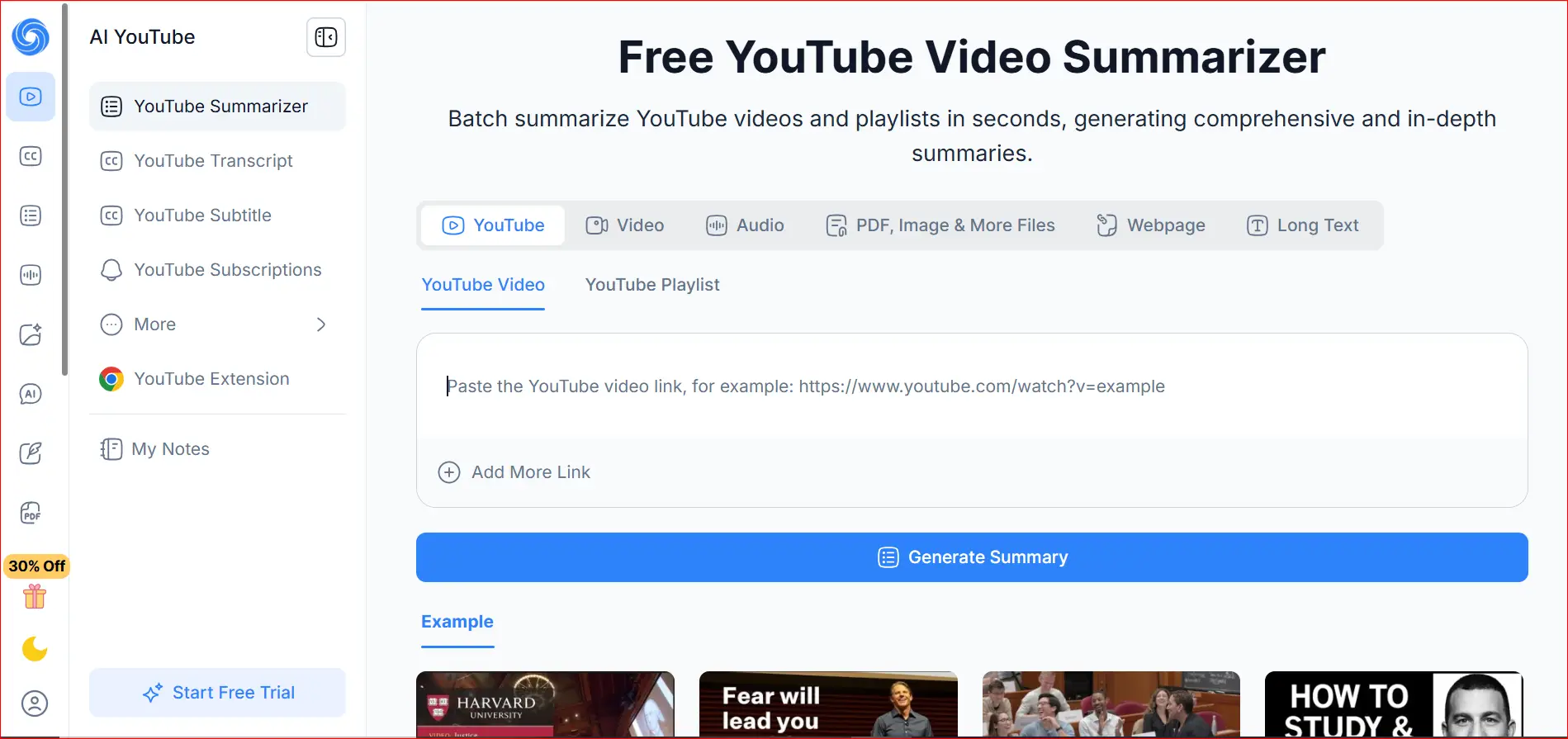
Advanced Tip: Make mind maps with AI summaries
Imagining what you read after you write it down can help you learn even more.
AI-generated summaries and mind-mapping tools work well together.
Apps like Amplenote and others can help you see your ideas.
After you finish the summary, put it into a mind-mapping tool. After that, the tool can turn plain text into a visual structure with levels and branches.
This method works best for:
- Taking tests
- Getting ready to do some research
- Hard subjects with a lot of ideas
When you see things, you can remember and understand them better.
AI summaries are like watching things in real life.
You might be wondering if AI summaries are really better than watching videos by yourself.
A summary of people watching and AI
When you watch videos by hand for a long time:
- It may become harder for you to concentrate as time goes on.
- You may not get important definitions.
- People might not remember what they said before.
AI summaries, on the other hand,
- Get everything that was said
- Take away extra content
- Put information in a way that makes sense
A lot of students think that AI summaries are better than handwritten notes, especially for long lectures.
This means that YouTube video summarizers are not only helpful, but they are also a great way to learn.
The End
Using AI to cut down YouTube videos won't teach you anything. It's a helpful tool.
In a world where information grows faster than time, tools that help students summarize things help them focus on the most important things. Browser add-ons like Harpa AI and NoteGPT can help you take clear, organized notes if you watch long, boring videos.
Instead of passively watching hours of content, you actively pull out important ideas in just a few minutes. This helps you learn faster and keeps your mind from getting tired.
These tools are very useful for:
- Classes in college
- Online classes
- Videos that can help you study for tests
What experts have to say
Learn by yourself
Another great thing about it is that it can be used in many ways. You don't have to watch the whole video again to remember the main points. You can do this with mind maps, summaries, and timestamps.
The best thing about these tools is that they don't cost anything. You don't have to pay for software or subscriptions to learn well. AI has made it possible for everyone to learn in more advanced ways.
Using a free YouTube video summarizer is one of the best ways to save time, study smarter, and learn faster.
Author

Daniel Carter
Productivity Tools Analyst
Daniel tries out free AI tools that help with writing, meetings, notes, and workflows. He focuses on tools that lower subscription costs, make free limits clear, and work well in everyday life, not just marketing screenshots.
Related Posts
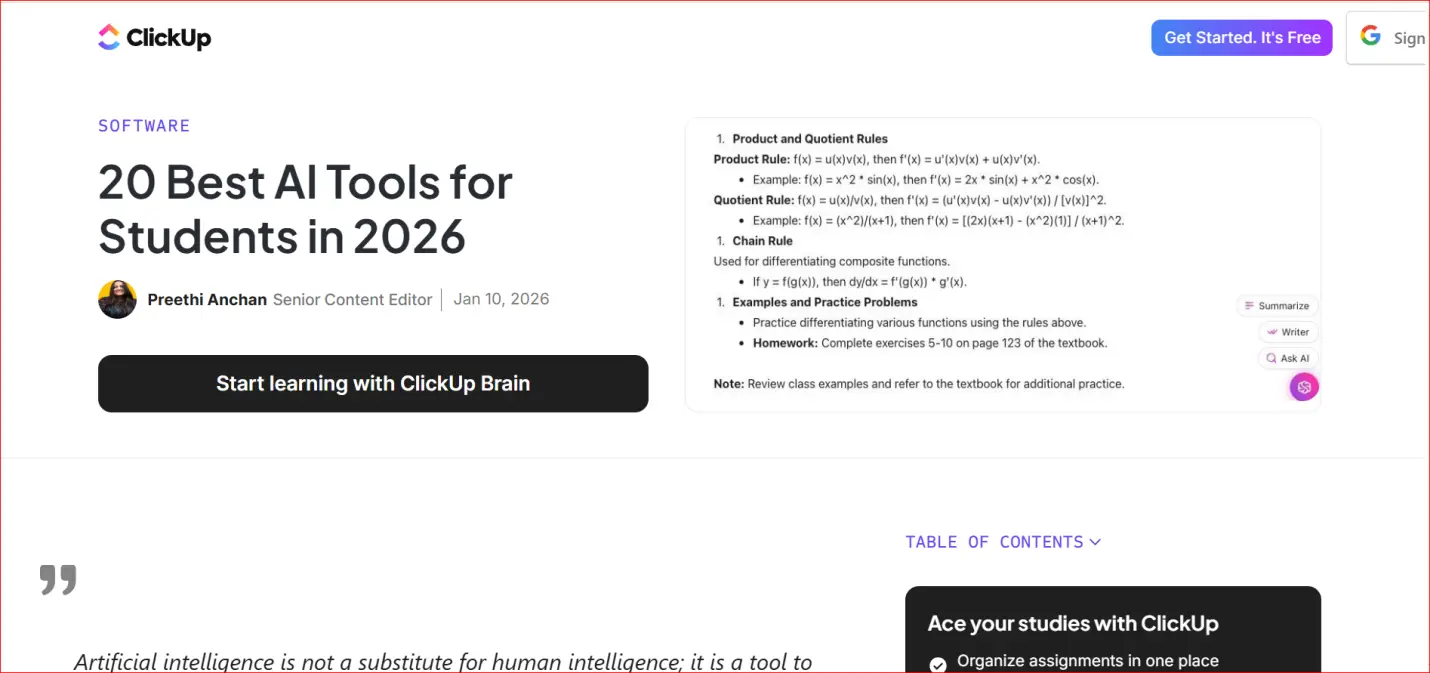
Essential for Students in 2026: 20 Completely Free AI Learning Tools
20 Free AI Learning Resources Being a student in 2026 is harder than it has ever been. Students have a lot to do, like write good essays, learn difficult subjects quickly, give presentations, and finish difficult assignments, all with little time and
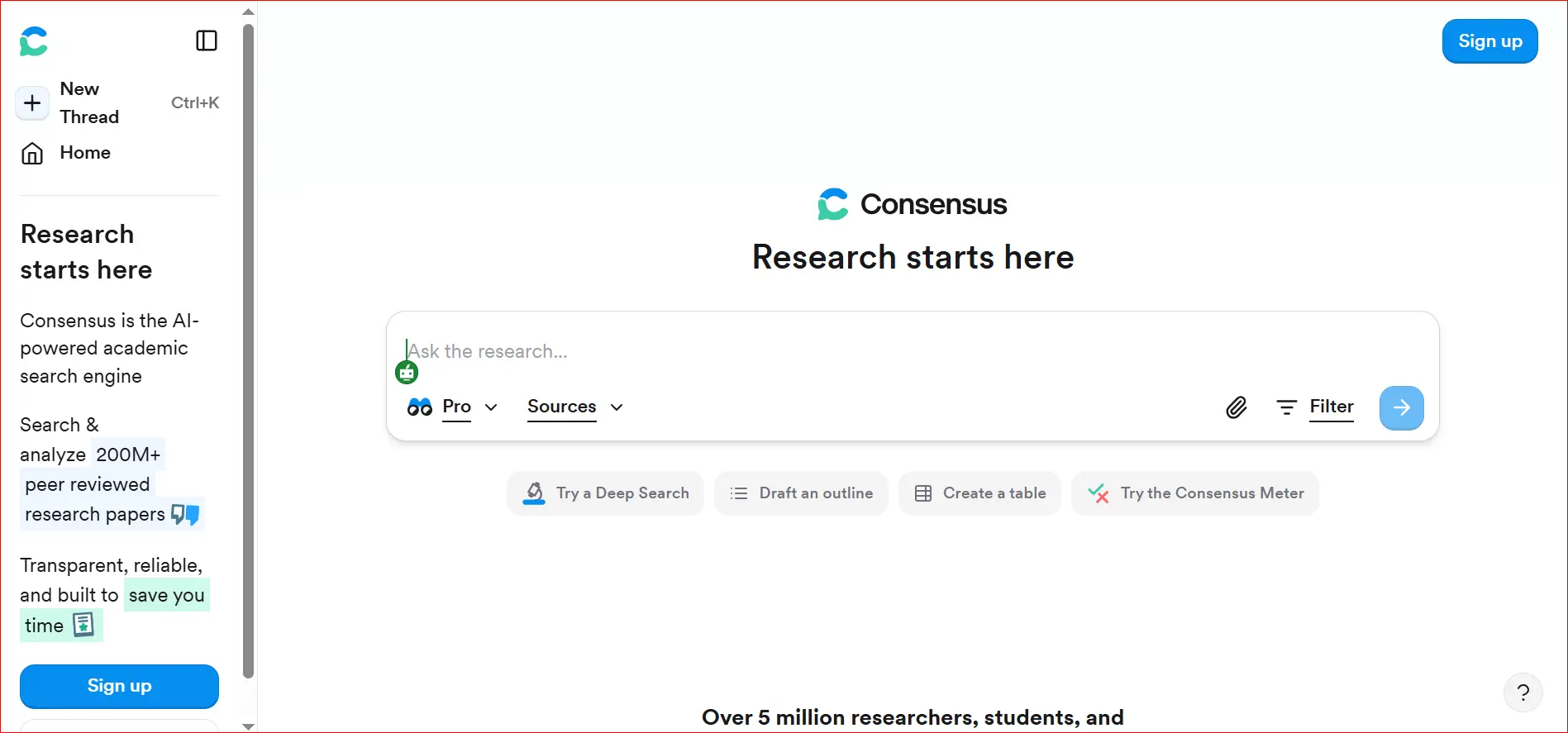
How to Quickly Find Real Academic Citations Using AI Consensus
AI tools have changed the way students, teachers, and researchers look for school information. It used to take a long time to find useful information on Google Scholar, academic databases, or journal websites. Many people thought it was slow and anno
Is It Expensive to Convert Audio to Notes? 5 Best Free Alternatives to Turbolearn in 2026
5 Best Free Turbolearn Alternatives in 2026 Students have always had trouble taking notes during long lectures. A lot of students today use AI tools to turn recorded audio into clear, organized notes. Turbolearn AI became popular for this reason, but