Is It Expensive to Convert Audio to Notes? 5 Best Free Alternatives to Turbolearn in 2026
by Hannah Lee••6 min read
5 Best Free Turbolearn Alternatives in 2026
Students have always had trouble taking notes during long lectures. A lot of students today use AI tools to turn recorded audio into clear, organized notes. Turbolearn AI became popular for this reason, but many users quickly run into a common problem: they don't have enough free credits and their subscription plans are too expensive.
If you often go to long lectures, online courses, or recorded classes, Turbolearn's free quota is usually not enough. This is why a lot of students look for free options that can play long audio files without charging extra.
This guide tests and suggests five good free options to Turbolearn in 2026. These tools help students turn audio from lectures into transcripts, summaries, and structured notes without having to pay a lot of money.
Why do students look for other options to Turbolearn?
Turbolearn is helpful, but it's not meant to be used a lot for schoolwork on a tight budget. Most students need a solution that is more flexible.
The Main Issue: Free Quota vs. Long Lectures
The biggest problem is that the limited free use doesn't match up with real academic needs.
Most lectures at universities are:
- 60 to 120 minutes long
- Held several times a week
- Often written down for later review
The free tier of Turbolearn usually runs out after just a few uploads. This means that students have to either pay a monthly fee or look for free tools that let them record long videos.
Students usually want tools that are:
- Not very expensive or free
- Works well for long audio files
- Correct for speech in the classroom
- Simple to use
Let's look at the best choices.
Otter.ai (Free Version) is the best overall alternative.
Otter.ai is one of the most popular tools for turning speech into text. It works well for meetings, lectures, and discussions in the classroom.
- 300 minutes of free transcription each month
Compared to many of its competitors, Otter.ai offers 300 free minutes per month, which is a lot. If you use it carefully, this can cover a lot of lectures.
Ways to get the most out of free use:
- Only record classes that are important.
- Don't record during breaks
- Don't upload the same audio file more than once.
This makes Otter.ai a good free choice for students who don't have a lot of lectures to go to.
Transcription in Class in Real Time
Otter.ai also has real-time transcription, which is helpful during live lectures. It works best when:
- The pronunciation of English is clear.
- Speakers talk at a normal speed.
- There isn't much background noise.
It also puts timestamps and speaker labels on the recordings, which makes it easier to review them later.
The best uses for this are English lectures, business classes, and seminars.
Whisper JAX (Hugging Face) has an unlimited length option.
Open-source tools are often the best choice for students who don't need time limits.
What is Whisper?
OpenAI made Whisper, an open-source model for speech recognition. It doesn't cost anything per minute, unlike paid tools.
Whisper JAX, which you can find on Hugging Face, lets you try Whisper for free through a demo that runs in your browser.
How to Use Whisper JAX to Record for a Long Time
This is what a typical workflow looks like:
- Launch the Whisper demo on Hugging Face
- You can upload a long audio file, even one that lasts 1–2 hours.
- Choose the language and the format for the output.
- Make the full transcript
There is no set time limit, which makes Whisper very helpful for long lectures.
Pros:
- No time limit
- Very accurate transcription
- Works with a lot of languages
Disadvantages
- Processing takes longer
- Less user-friendly interface for beginners
Best for: Students who know a lot about technology and long lecture recordings.
Notta and iFlytek Hearing are both mobile-friendly options.
A lot of students like to record their lectures on their phones. Mobile-first apps are easier to use in this case.
How to Make the Most of Your Daily Free Limits
Notta and iFlytek Hearing both have daily limits on free transcriptions. You can use it for free longer by:
- Recording lectures in smaller parts
- Writing down audio every day instead of in big chunks
- Exporting notes right away
This method helps people avoid paid plans.
How to be accurate in Chinese classrooms
iFlytek Hearing works especially well for lectures in Chinese. It takes care of:
- Accents in Mandarin
- Teachers who talk quickly
- Words that are technical
Notta works better for:
- English classes
- Classes in two languages
- Courses from other countries
Best for: People who use their phones and record in class.
Workflow for High-Quality Notes: Recorder + Claude 3.5
Some students want more than just transcripts. They want notes that are neat and organized.
From audio to organized notes
A useful way to work:
- Use any free recorder to record the lecture.
- Use Whisper, Otter, or Notta to write down audio.
- Put the transcript into Claude 3.5
- Ask Claude to use the Cornell method to summarize, pull out key points, or format notes.
This mix gives:
- Summaries that are easy to understand
- Highlighted important ideas
- Notes that are easy to go over
Claude 3.5 lets you use it for free for a short time and makes summaries that are easy to read and sound natural.
Best for: Getting ready for tests and really understanding.
Quick Comparison: Which Tool Should You Pick?
There is no one thing that is the best replacement for Turbolearn. The best free choice depends on what you need.
Quick Reference:
- Otter.ai has English lectures that are about medium length.
- Whisper JAX: very long recordings
- Chinese schools: iFlytek Hearing
- Notta: Users who use their phones first
- Recorder + Claude 3.5 has the best note quality.
If you have a lot of long lectures, open-source tools like Whisper are hard to beat. Otter or mobile apps are easier if convenience is more important. Combining transcription with AI summarization is the best way to learn in a structured way.
Conclusion
There are two main things to think about when choosing the best free Turbolearn alternative: the length of the lectures and the language. Turbolearn is not a bad product, but students who have to go to long or frequent lectures often don't have enough free time to use it.
Our tests show that most students can already use free tools instead of Turbolearn. Otter.ai gives you a fair experience with a lot of free minutes and transcription that happens in real time. Whisper JAX is great for long recordings that don't have any time limits. Notta and iFlytek Hearing are two mobile apps that are useful in the classroom.
Combining free transcription tools with Claude 3.5 is a good and cheap way for students to take notes that are clear and well-organized.
In short, students don't have to use just one paid platform anymore. You can turn long lecture recordings into clear, organized notes without spending any money if you choose the right free tools.
Author

Hannah Lee
Education & Research Tools Writer
Hannah talks about free AI tools for students and researchers, like PDF summarizers, tools for taking notes in class, and academic search helpers. Her work is about making sure that tools are safe for real academic use, that citations are correct, and that information is reliable.
Related Posts
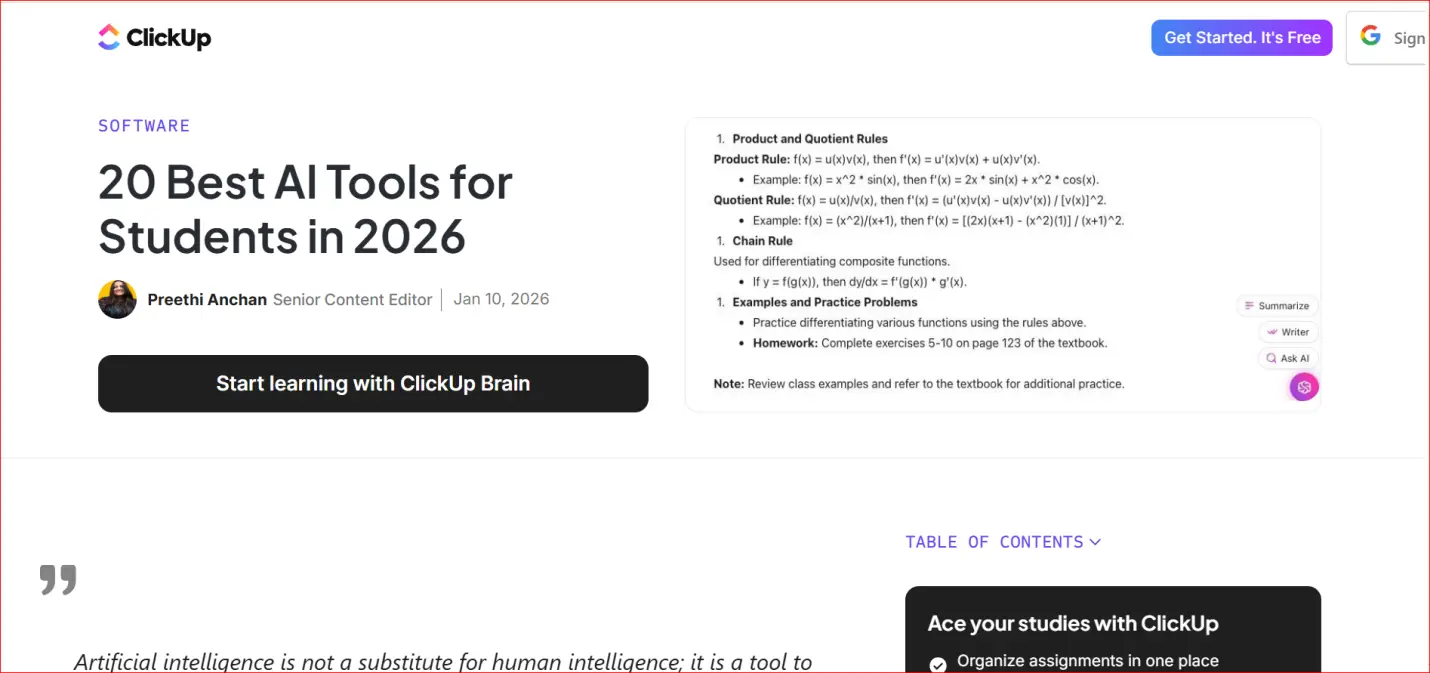
Essential for Students in 2026: 20 Completely Free AI Learning Tools
20 Free AI Learning Resources Being a student in 2026 is harder than it has ever been. Students have a lot to do, like write good essays, learn difficult subjects quickly, give presentations, and finish difficult assignments, all with little time and
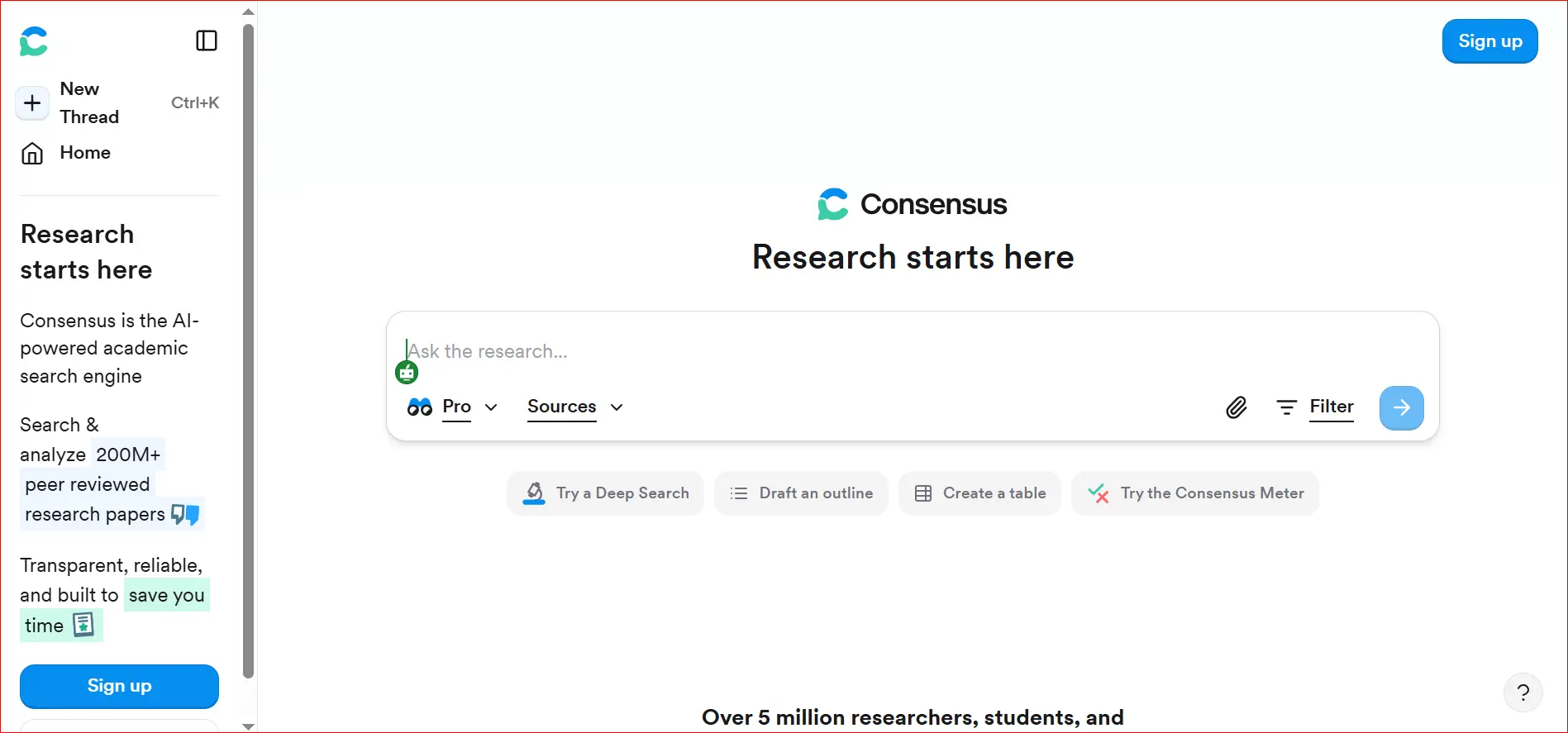
How to Quickly Find Real Academic Citations Using AI Consensus
AI tools have changed the way students, teachers, and researchers look for school information. It used to take a long time to find useful information on Google Scholar, academic databases, or journal websites. Many people thought it was slow and anno
How to Summarize Long YouTube Videos for Free
People who want to learn on their own, like students and researchers, can find a lot of useful information on YouTube. YouTube has a lot of videos that can help you learn, like university lectures, how-to videos, and videos that can help you study fo