The Best Free AI PPT Generation Tool Alternatives for 2026
by Lucas Meyer••6 min read
People of all ages, from students to teachers to professionals, talk all the time. AI has made it easier for people to make slide decks, which has sped up the process. Gamma looks like it will be strong and helpful at first.
But a lot of people have problems right away. You might see watermarks, a few free credits, and limits on how many copies you can make when you need to use a presentation. People who have to give a lot of presentations might find these limits annoying.
Because of these problems, more people are looking for reliable Gamma AI alternatives. People should be able to make slides quickly and then edit, export, and use them again for free without having to pay for a plan. In 2026, being fast won't be enough. People want to know how long the product will last, how well it was made, and how easy it is to use.
This article lists the best free AI PPTs that are better than Gamma AI. It talks about free plans for great tools like Tome and Canva Magic Design. It also talks about free workflows that use AI-generated outlines and regular presentation software. You will also learn how to control your slides by hand without worrying about running out of time.
You will learn how to make professional presentations that you can change and that don't have watermarks by the end of this guide. You will also know how to pick the best free option for you.
Why People Look for Other Options When Gamma AI Isn't Working
Gamma AI is powerful, but it doesn't always work well for people who don't pay.
There are limits on how much you can send, as well as watermarks and credits.
The watermark is one of the most common problems. You can make things for free with Gamma, but you usually have to pay for a subscription to get a clean PPT file. It's also easy to run out of free credits, especially if you have to do a lot of work or make a lot of changes to a presentation that takes a long time.
Many people say they have these problems:
- Watermarks on slides that were sent out
- There aren't a lot of free credits.
- Subscriptions keep exports from getting out.
- Things slow down when credits run out.
Because of these limits, many people look for Gamma AI alternatives that let them do more and have fewer rules.
Canva Magic Design is another choice that is all about design.
If you want to make things look good, Canva Magic Design is one of the best options after Gamma AI.
Good templates and free ways to save money
For a long time, people have liked using Canva to make designs. It has AI tools that help you talk to people even more.
Here are some of the best things about it:
- A lot of different presentation templates
- Layouts that are good for school and work
- You can find a lot of free simple designs.
- You can change it quickly by dragging and dropping.
You can still get a lot of free presentation templates without watermarks, but if you want more advanced features, you'll have to pay for a plan."Make a plan to sell a coffee brand" is what the test says.
The result is:
- Slides that are easy to read and talk about branding, advertising, and market research
- Making sure the words are easy to read and the colors are fair
- Slides that are great for giving presentations at school or work
Canva is a better choice than Gamma AI if you want to be able to control things by hand and care about how they look.
Tome: A New Way to Tell Stories
Tome is more about telling stories than making PowerPoints look nice.
Best for Presentations That Tell Stories
Tome is good for:
- Telling stories for school
- How things look
- Images that tell stories
Here are some good things:
- How AI puts together the story's structure
- The slides change smoothly.
- Fair use of pictures and words
Tome, on the other hand, doesn't let you change classic PPT layouts as much, and the free plan might not let you export as much. But it's a good choice for teachers and writers who care more about telling stories than following strict rules for slides.
The Manual Workflow Method is free and does not have a watermark.
With a manual workflow, users have the most freedom because they can do whatever they want without having to pay or see watermarks.
This way takes a little longer, but it gets rid of almost all of the platform's limits.
Step 1: Make a plan that AI can easily read.
ChatGPT is an AI tool that can help you write speeches that are easy to understand and follow. For instance, "Make a Markdown outline for a coffee company's marketing plan."
This usually means:
- Headings that are easy to read
- Points with dots
- A smart way to make a slide
It looks good in Markdown and is easy to change.
Step 2: Open the outline in XMind or MindShow.
Next, use things like the outline to get it in:
- The free version of XMind
- MindShow
You can use these tools to turn text into structured slide logic or mind maps. You can think about your ideas before you finish the last slides.
Step 3: Save as a PPT file and make any changes you want.
You can use both tools with
You can get to PPT with just one click.
Slides that you can change however you want
No marks in the water
This way gives:
- You can get to everything without being connected to the internet.
- You can use AI as much as you want.
- You have all the documents you need.
This is one of the Gamma AI options that will be around for a long time.
A Look at the Rules for Sending Things to Other Countries
Before you choose an AI PPT tool, you should know the rules for exporting.
- Gamma AI: You have to pay to get rid of the watermarks.
- Canva: You can get a lot of free designs that are easy to use.
- Tome: You might not be able to export for free.
No watermark and free for all hand-done work
You won't be surprised at the end if you know these rules ahead of time.
How to Get Out of a Time Limit or Platform
Many AI tools only let you:
- How many slides do you have?
- How often to send it out
- Times to change
To get a useful answer,
- Use AI to help you come up with ideas and organize them.
- Use free software to make the last slide.
- Put files on your computer so you can find them again later.
This workflow makes the platform less reliant on other people and helps keep costs down.
Final Thoughts
When you shop for a new Gamma AI, don't just think about how fast it is. A lot of AI tools can quickly make slides, but only a few let people change them after they've made them.
Gamma AI is a good place to start, but its watermark system and limits on exporting can be annoying for people who use it a lot. Because of this, tools like Tome, Canva Magic Design, and others are becoming more popular. Canva is a great free tool for making things look good and keeping them. Tome is better for presentations that need to tell a story.
The manual workflow method is the best choice for the long term if you want to be in charge of everything. Users can get around limits, save money, and keep full ownership of their content by using AI to make outlines and free tools for the final production.
The best AI PPT workflow in 2026 won't be based on just one platform. It's about being smart with AI and being in charge of your files. If your presentations can be changed, don't have watermarks, and can be used again, you can do a lot with them.
Author

Lucas Meyer
Developer & AI Tool Tester
Lucas makes small web apps and side projects with free AI coding tools. He looks at AI editors, local models, and coding helpers based on real development tasks, not demos. He focuses on free tiers and how easy they are to use.
Related Posts
Essential for Students in 2026: 20 Completely Free AI Learning Tools
20 Free AI Learning Resources Being a student in 2026 is harder than it has ever been. Students have a lot to do, like write good essays, learn difficult subjects quickly, give presentations, and finish difficult assignments, all with little time and
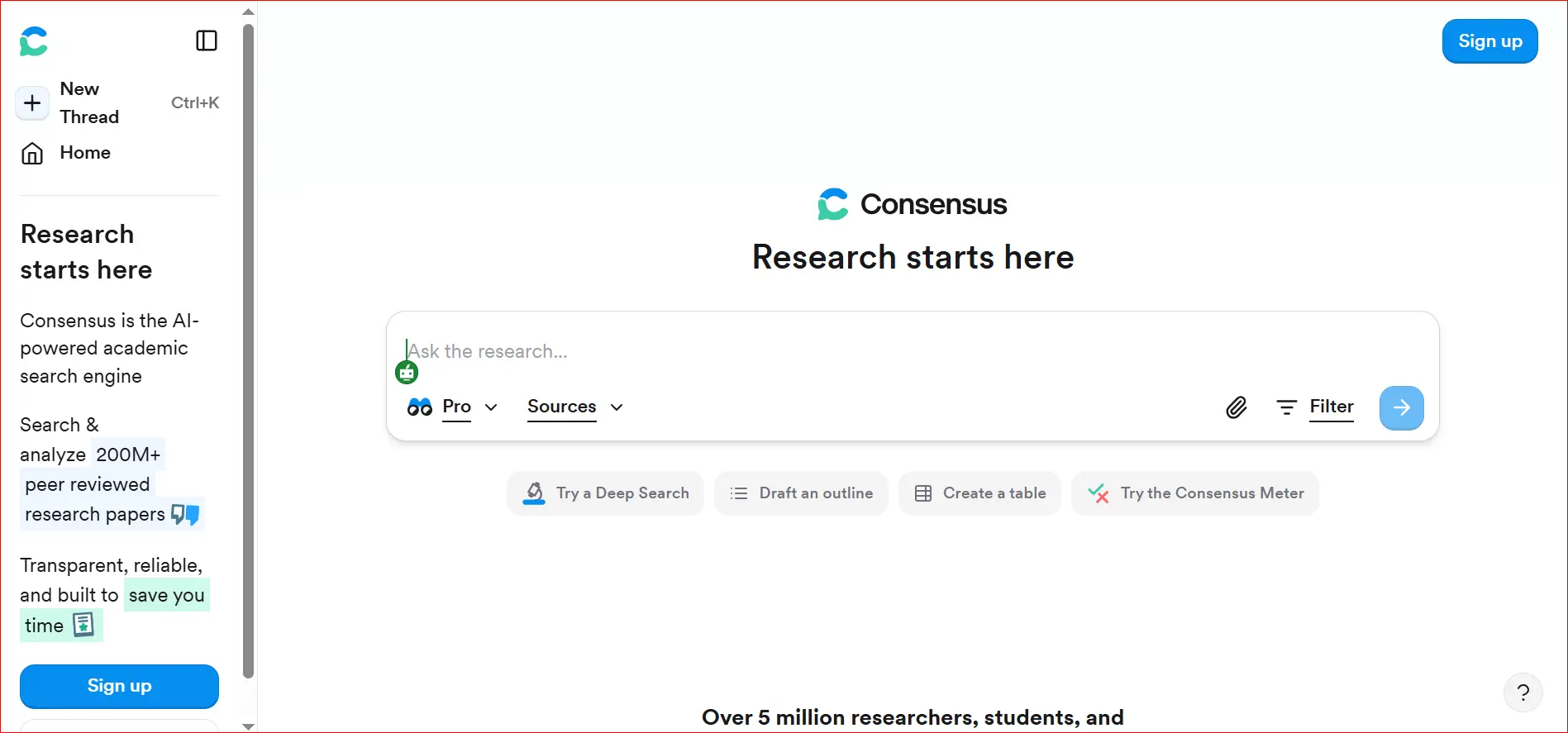
How to Quickly Find Real Academic Citations Using AI Consensus
AI tools have changed the way students, teachers, and researchers look for school information. It used to take a long time to find useful information on Google Scholar, academic databases, or journal websites. Many people thought it was slow and anno
How to Summarize Long YouTube Videos for Free
People who want to learn on their own, like students and researchers, can find a lot of useful information on YouTube. YouTube has a lot of videos that can help you learn, like university lectures, how-to videos, and videos that can help you study fo