The Best Free AI Summarization Tool for Long Documents/PDFs (No Page Limit)
by Hannah Lee••6 min read
Students, researchers, and professionals take the longest to read long PDFs. There can be hundreds of pages in textbooks, academic papers, industry reports, and legal documents. You may have to read all of this and write a summary by hand for days or even weeks.
This is why more and more people are using AI to help them write PDF summaries. AI helps people upload big files and quickly make bullet points, summaries, and organized insights.
But a lot of free AI summarization tools don't work very well. A lot of them have strict rules about how many pages you can use, how big the files can be, and how long you can use them. When you try to read a long textbook or a whole research report, some tools just stop working.
This article asks a good question: what free AI tools can really summarize long PDFs without missing anything?
We used some well-known tools to see how well they could work with a 100-page document. If you need to summarize long PDFs or whole books without paying for premium plans, this guide will help you choose the right tool.
Why most AI tools don't work well with long documents
At first, it seems simple to write a summary of a PDF. Long documents really show how limited a lot of AI systems are.
Some problems that happen a lot are:
- Problems uploading large files
- Summaries that don't have any chapters after them
- The pieces don't fit together anymore.
- Conclusions that are wrong or too simple.
It's not always the AI's fault that these things happen. Most of the time, the technology is to blame for the problems.
What the context window can and can't do
A "context window" is something that every AI model uses to do its job. This tells the system how many words it can read at once.
The AI can only read part of a document if it is longer than this limit.
For example:
- Some tools only work on the first ten to twenty pages.
- When people cut papers into smaller pieces, the shape changes.
- People often skip the main points at the end.
A lot of free PDF summarizers don't work well with long reports, textbooks, or full research papers because of these limits. To summarize a long document correctly, an AI tool needs to be able to remember the context of the whole file.
If you have a lot of PDFs, Google Notebook is the best free choice.
Google Notebook is the best free AI tool for shortening long documents right now. You don't have to worry about how many pages a PDF has because it can open really big ones.
Gemini Pro 1.5 makes it all happen.
Gemini Pro 1.5 runs the notebook, which has a very big context window. This means it can work with whole documents instead of just parts.
Here are some of the best things about it:
- Uploading hundreds of pages of PDF files to the web
- Keeping the same setting for each chapter
- Making summaries that are simple to read and understand
- Letting people use your papers
We put a 100-page PDF textbook on the internet for our test. The notebook did a great job of finding the main ideas in each chapter, giving a good summary of the most important parts, and answering questions about the beginning and end of the document.
When you look at later chapters, it stays in context, which isn't the case with many other tools. This is why Google Notebook is the best free tool for shortening long PDFs.
Claude 3.5 Sonnet: Very close, but not quite right
Claude 3.5 Sonnet is another great option for AI-powered document summarization. People know it for being clear and giving the right answers.
Good things
Claude is good at a lot of things:
- Summaries that are easy to read and understand
- A solid grasp of how to write in a formal way
- A structure and flow that are easy to understand
- How to make hard ideas easier to understand
This is a good choice for technical or academic papers and documents.
Limitations
The main issue is that the free version only lets you make files and pages that are a certain size. Claude can open and read long documents, but it doesn't have as much space as Google Notebook.
But it's not as easy to split up really big PDFs by hand.
PDF tools that work in your browser are nice, but they don't have a lot of power.
ChatPDF and Humata are two tools that don't give complete summaries. Instead, they work on answering questions.
Pros
- Easy to use in a browser
- Good for asking about specific parts
- It's easy to find definitions or explanations.
Problems
- There is a limit to how many pages free plans can have.
- Not a good way to read a whole book in a short amount of time
- A document can lose its meaning if it is too long.
These tools don't do a good job of shortening long documents. They work better with short PDFs or some kinds of research.
You can find out how stressed you are by reading 100 pages of papers.
We used the same 100-page industry report for a stress test to check that the tools were fair.
Conditions for testing:
- All of the tools can open the same file.
- No cutting by hand
- Only copies that are free
Results:
- Google Notebook made a shorter version of the whole document that was still clear.
- Claude 3.5 Sonnet did a good job of summarizing, but you had to be careful about the size of the files.
- ChatPDF and Humata had trouble with texts that were either too long or missing parts.
This test shows which programs can open long PDFs without any trouble.
Comparison Table: Free PDF Summarization Tools
| Tool | Free Version | Page Limit | Best Use Case |
|---|---|---|---|
| Google Notebook | Yes | No practical limit | Textbooks, long reports |
| Claude 3.5 Sonnet | Yes | Limited | Accurate academic summaries |
| ChatPDF | Yes | Limited | Short PDFs, quick Q&A |
| Humata | Yes | Limited | Paragraph-level research |
Page limit is the most important factor when choosing a free PDF summarization tool.
Final Thoughts
When choosing the best AI PDF summarizer, the most important things to think about are how long and how accurate the document needs to be. Some free tools don't work well with big files, so parts of the file might be missing or the summaries might be wrong.
If you need to work with full textbooks, long research papers, or reports that are more than 100 pages long, Google Notebook is the best free choice. It's great for serious business and school use because it can remember the context of whole documents.
Claude 3.5 Sonnet is a great option if you need clear explanations and don't mind the size limits on files.
Humata and ChatPDF are best for short documents or quick searches when used in a web browser.
If you know what makes these free AI summarization tools different, you can save hours of reading time without losing accuracy.
Author

Hannah Lee
Education & Research Tools Writer
Hannah talks about free AI tools for students and researchers, like PDF summarizers, tools for taking notes in class, and academic search helpers. Her work is about making sure that tools are safe for real academic use, that citations are correct, and that information is reliable.
Related Posts
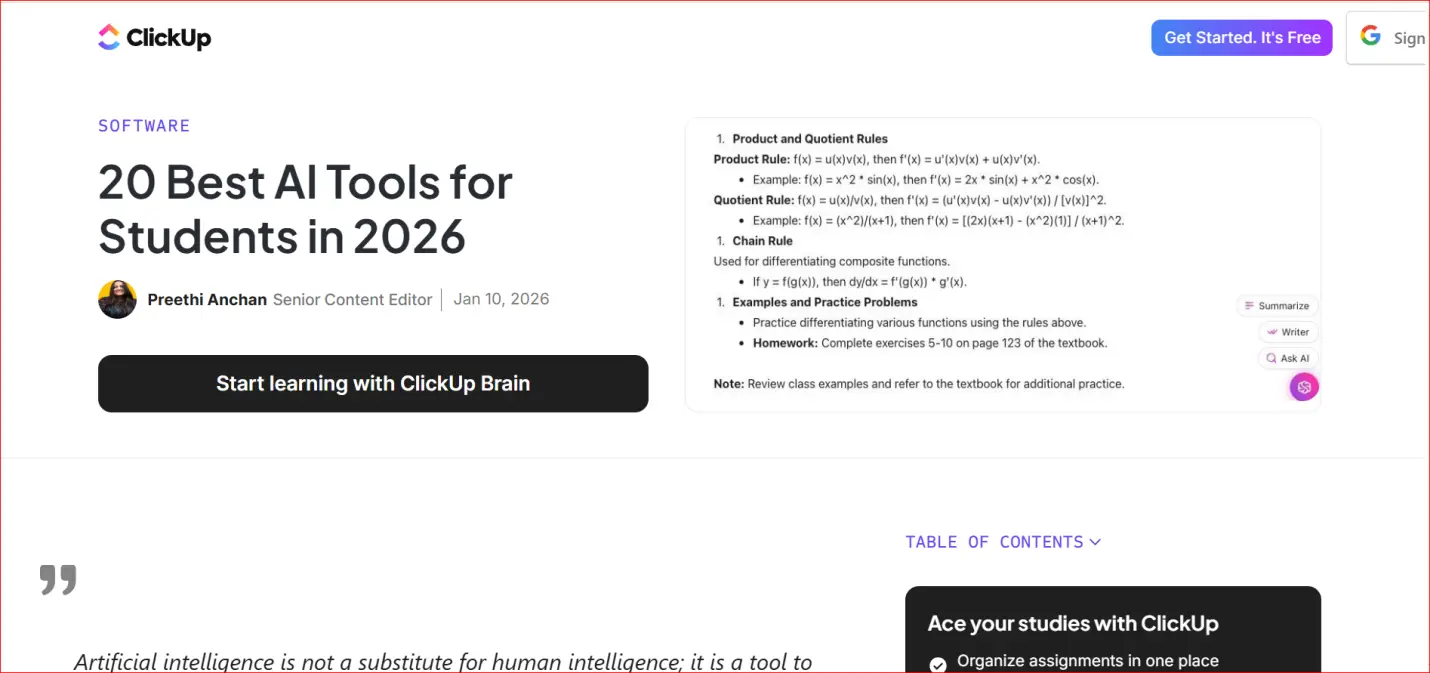
Essential for Students in 2026: 20 Completely Free AI Learning Tools
20 Free AI Learning Resources Being a student in 2026 is harder than it has ever been. Students have a lot to do, like write good essays, learn difficult subjects quickly, give presentations, and finish difficult assignments, all with little time and
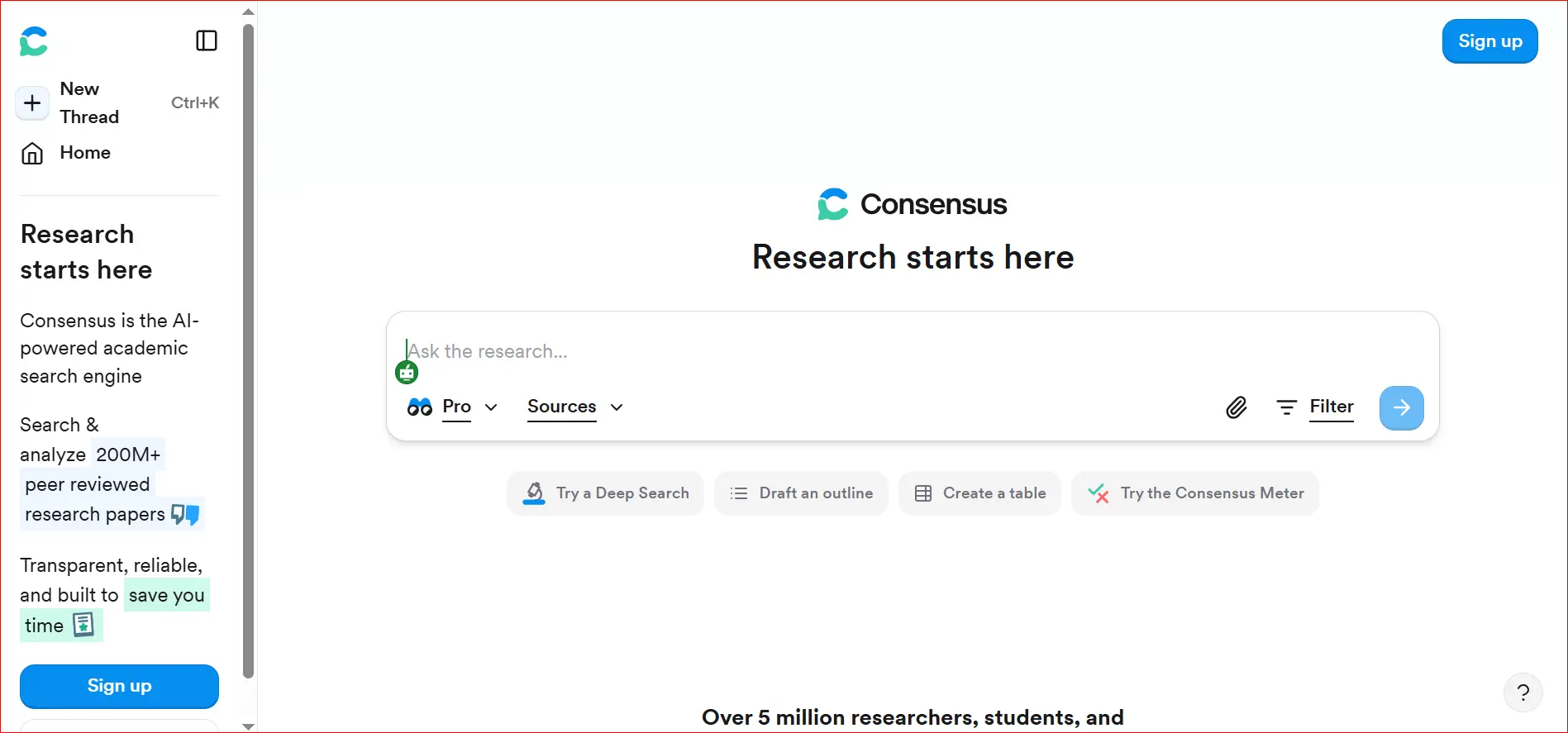
How to Quickly Find Real Academic Citations Using AI Consensus
AI tools have changed the way students, teachers, and researchers look for school information. It used to take a long time to find useful information on Google Scholar, academic databases, or journal websites. Many people thought it was slow and anno
How to Summarize Long YouTube Videos for Free
People who want to learn on their own, like students and researchers, can find a lot of useful information on YouTube. YouTube has a lot of videos that can help you learn, like university lectures, how-to videos, and videos that can help you study fo